Los Angeles and Long Beach
San Pedro Bay terminals, gate timing and chassis.
Seattle and Tacoma drayage
A look at Dispatch Board for carriers hauling out of Seattle and Tacoma, including Canadian carriers who cross the border, with the limits stated up front.
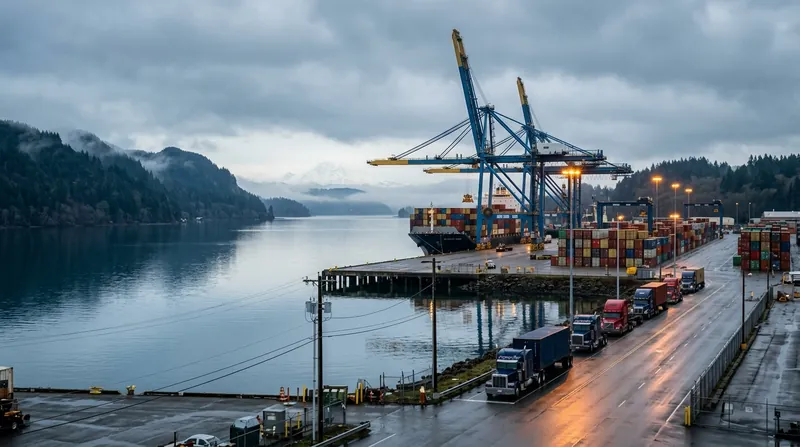
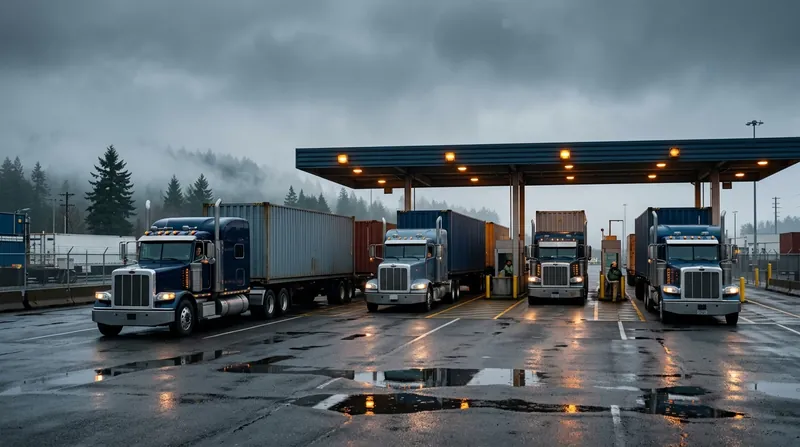
The ports of Seattle and Tacoma run their container business together as the Northwest Seaport Alliance. Its container terminals include Terminal 5 and Terminal 18 in Seattle, and Husky Terminal, Washington United Terminals and Pierce County Terminal in Tacoma. The area also has rail, including a near-dock BNSF yard, and the Port of Seattle keeps a Drayage Truck Registry for trucks that serve its terminals. Terminals, operators and procedures change, so confirm current rules with each terminal and port before you build a process around them.
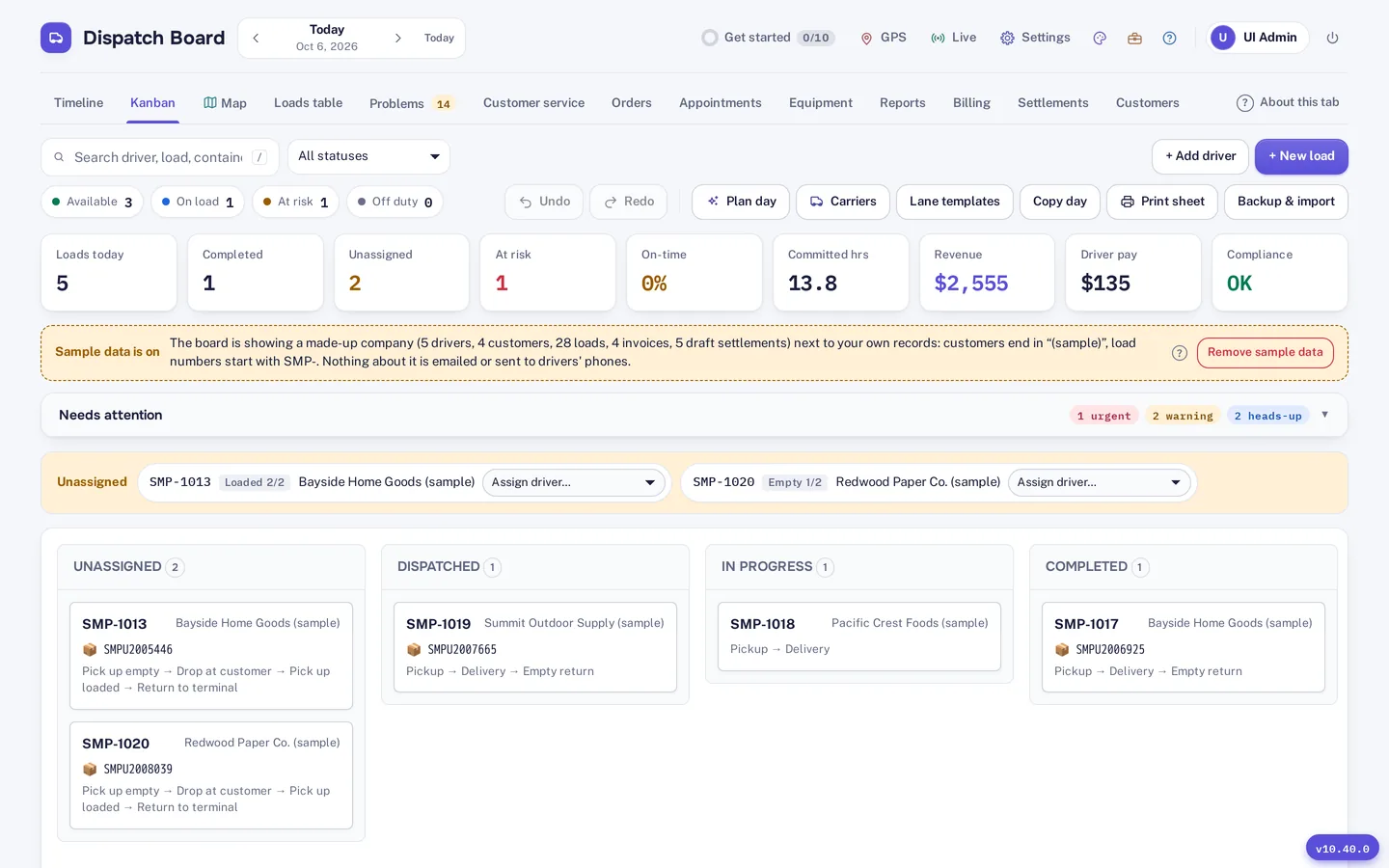
Everything starts from the dispatch board. Each driver has a lane on a timeline, the same loads show as Kanban columns and as pins on the live map, and Plan day drafts the day for the fleet and explains each pick. Plan day checks the hard limits: 11 hours of driving and 14 on duty, licences, endorsements and TWIC. Travel times are learned from your own drivers, which suits a region where bridges and the corridor between the two cities vary through the day.
Container tracking through Terminal49 gives availability and last free day where Terminal49 covers the line and terminal. Vessel arrival alerts use AIS data from a provider you choose, with your own key. The Problems tab collects holds, last free days and late moves into one list. Street turn and dual transaction suggestions skip an empty the place will not take that day.
Per diem is shown by day with the reason it was charged: a terminal closure, a hold, the container not available, a later appointment, a late customer delivery, or nothing on record. You can bill the customer’s share with one click or send the line a dispute letter with a packet of tracking events, appointments and closures. For chassis, the bill checker reads DCLI, TRAC and Flexi-Van invoices against when your loads actually had the chassis, and writes a dispute letter and a CSV. Waiting time at a terminal is audited from GPS pings inside the geofence.
Loads, invoices and pay can be in CAD or USD, and distances in miles or kilometres. IFTA reports with fuel card imports, DVIR inspections and maintenance schedules are included, and GPS can come from Samsara, Motive or One Step GPS. For a Canadian carrier running into Washington, that keeps the Canadian side, taxes in GST, HST, QST or PST, and the US side in one system.
We have not built US-state specific features. We do not claim to automate drayage truck registry paperwork, US sales tax, or state-specific rules. Treat Dispatch Board as a dispatch, tracking and billing tool and keep your US compliance process alongside it.
The driver app is a web app drivers add to their home screen. Photos, signed PODs and PDFs are saved on the phone and uploaded when signal returns. Settlements cover employee drivers, owner-operators and carriers, with deductions carried forward and PDF statements in the app. Settlements are on the Medium plan and above.
Dispatch Board does not book appointments automatically in terminal systems. There is no EDI and no QuickBooks Desktop support. Accounting sync is QuickBooks Online and Xero. See the container tracking page and chassis management for detail, and the ports hub for other gateways.
Self sign-up gives you a company with sample data and a get-started checklist, so you can look around before you enter anything of your own. Then bring in your real freight: import drivers, trucks, chassis, customers, rate tables and loads from Excel, CSV or a PDF rate sheet. The importer matches columns by heading, checks every row before saving and flags duplicates.
Add your terminals and their gate hours, invite your drivers to the driver app, and run a real week alongside your current system. The Help Center has a guide for every screen. A bar at the top of the board shows the days left in the 14-day trial, and the account owner gets an email two days before it ends. Plans are month to month, and you can download a backup file and a CSV of your loads at any time.
Questions
Yes. It is built in Canada, supports CAD and USD, kilometres or miles, and IFTA reports for cross-border trucking.
No. It does not automate registry paperwork. It records truck and driver documents and expiry dates in the compliance calendar.
DCLI, TRAC and Flexi-Van invoices.
No. It stores appointment rules, slot capacity and booking links, but your team books.
Yes. Every company gets 14 days free with no card, and plans are priced per truck in Canadian dollars.
San Pedro Bay terminals, gate timing and chassis.
Chassis records and a bill checker for DCLI, TRAC and Flexi-Van.
Terminal49 tracking, last free day, vessel ETA, holds and closures.
Every company gets 14 days free with no card. Import a week of your own freight and judge it yourself.