Step 1
Import Your Data
Complete loads as usual, with rates and charges on each load.
Reports and analytics
Profit per load, per truck and per customer, margin in the billing queue, the Money Check, custom and scheduled reports, and exports to Google Sheets and CSV.
Overview
In drayage, a load that looked profitable at quote time can lose its margin to waiting time, per diem, chassis days and charges nobody billed. Owners usually find out weeks later, if at all. Small fleets in particular rarely have a clear answer to which trucks and which customers actually make money.
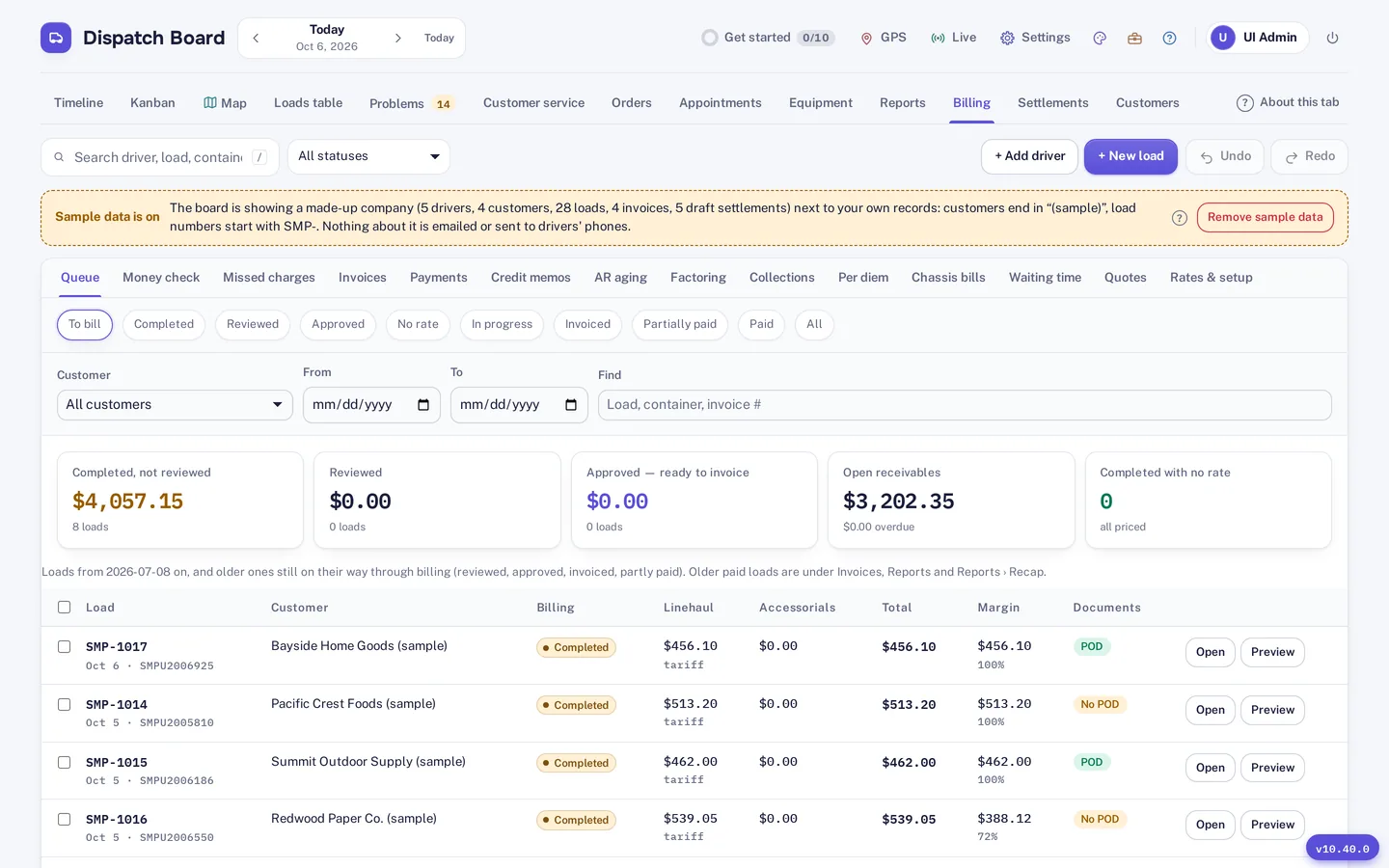
Dispatch Board shows linehaul and margin per completed load in the billing queue, and reports profit per load, per truck and per customer. The Money Check adds one figure for money you may be leaving on the table. Reports are part of the Medium plan and above.
Profit Insight
The billing queue lists completed loads with linehaul, margin and proof-of-delivery status. Profit per load, per truck and per customer gives you the same view from three angles: which jobs, which equipment and which customers earn their place.
Those answers feed practical decisions: which customer to renegotiate with, which lane to stop taking, and where the credit limit and collections effort should go. Credit limits, aging and collections are covered on the invoicing and billing page.
Financial Tools
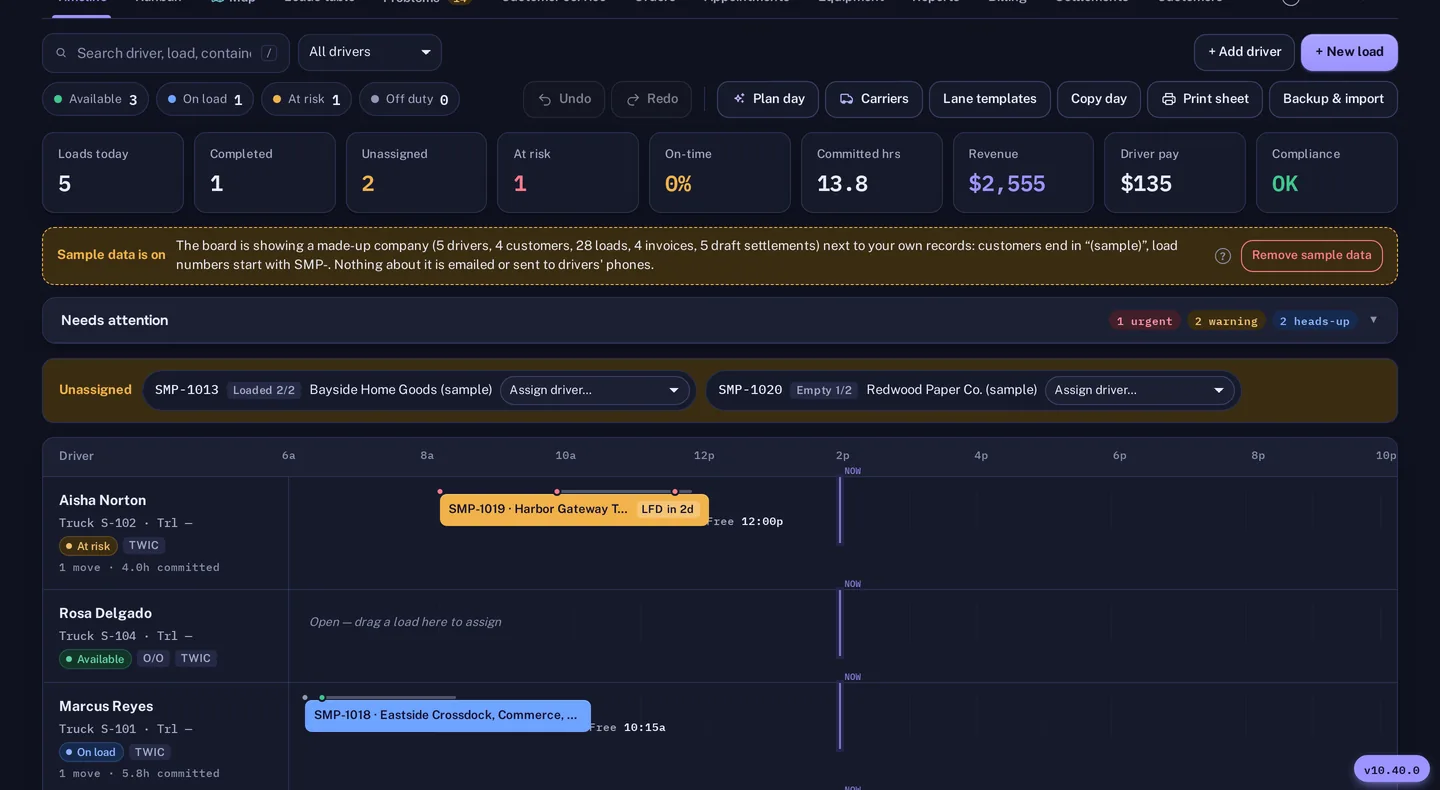
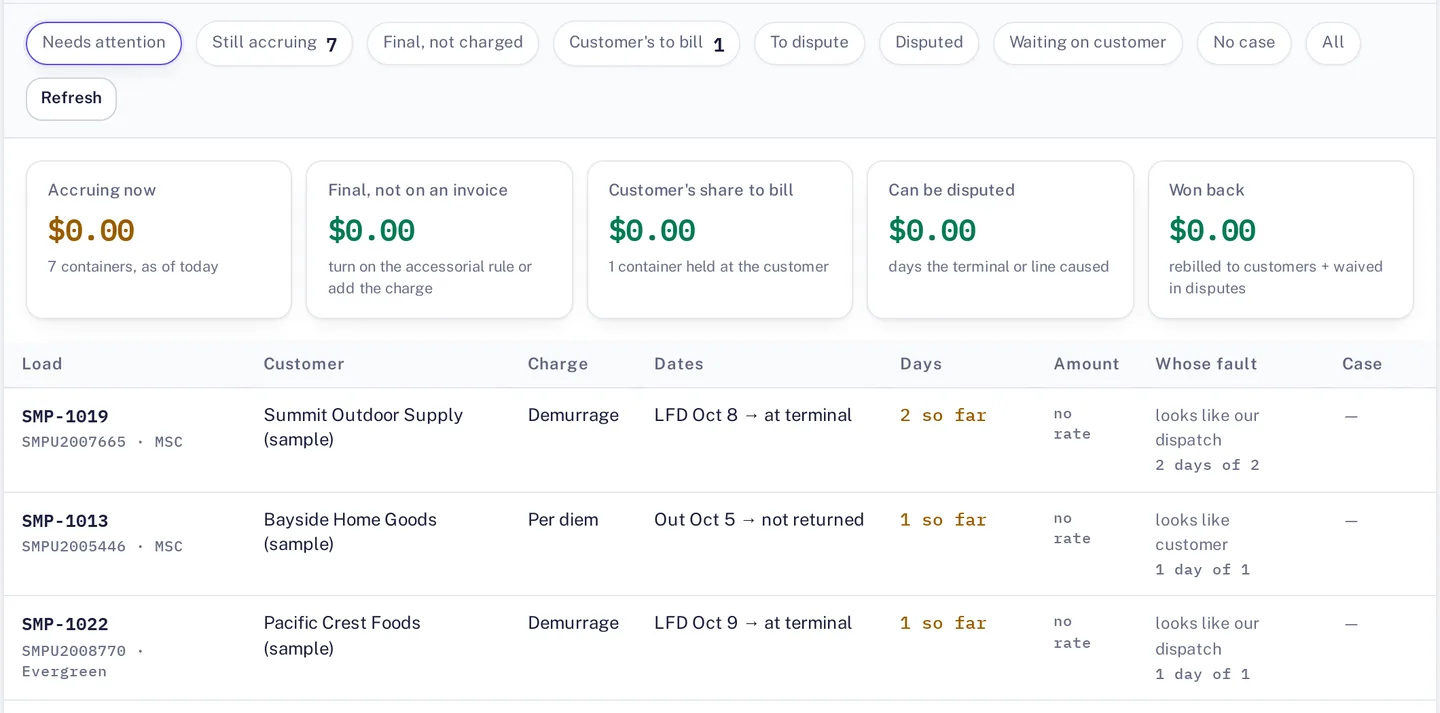
The Money Check totals unbilled detention, missed charges, per diem to bill or dispute and chassis charges to dispute into one figure. Tick one box and it arrives by email every Monday. The detail behind it is on the per diem and detention page.
For anything else, there are custom and scheduled reports. Build the view you need, and schedule it to arrive when you need it. A customer service week grid also gives a seven-day look at what is moving.

Data Access
Your data stays yours. Google Sheets sync lets accountants and owners work in a spreadsheet, and QuickBooks Online and Xero sync carry billing to your books. CSV downloads and a backup file are available at any time.
Details on each connection are on the integrations page. QuickBooks Desktop and EDI are not supported.
How it works
Step 1
Complete loads as usual, with rates and charges on each load.
Step 2
Open the billing queue to see linehaul and margin for each completed load.
Step 3
Check profit per truck and per customer in reports, and schedule the ones you want regularly.
Step 4
Tick the Monday email on the Money Check to get the one figure in your inbox.
Reports are part of the Medium plan and above. Figures are only as good as the loads and charges entered, so try it on your own week.
Try it
A report is only as good as the data behind it, so the test is whether the answers match what you already believe. Load a month of real loads, then look at profit per truck and per customer. If one of them surprises you, look at the loads behind it. The trial is free, with no card needed to start.
Keep in mind that a profit figure depends on what you enter as costs and charges. If a number looks too good, check which charges are on the load. If you want to see how the figures are built, open the load and look at its rates, accessorials and billing status.
Questions
The billing queue shows completed loads with linehaul, margin and proof-of-delivery status, with tabs for per diem and chassis bills. It also holds credit memos and payments.
The Money Check totals unbilled detention, missed charges, per diem to bill or dispute and chassis charges to dispute. An optional Monday email sends the figure.
Yes. Dispatch Board reports profit per load, per truck and per customer.
Yes. CSV downloads and a backup file are available at any time, and there is a Google Sheets sync.
Reports are part of the Medium plan and above. Pricing is on the pricing page.
Start a trial and run a week of your own loads through the billing queue.