
PortPro alternative
A sourced, row-by-row comparison with a check date.

Compare
Choosing a drayage system is a decision you will live with for years. These pages compare Dispatch Board with other ways of running dispatch, including what we lack.
The PortPro page lines Dispatch Board up against an established drayage system, row by row, with a date it was last checked and a note on what we could not verify. The spreadsheets page is for companies that dispatch from a sheet and want to know when to change, and how to do it safely.


Dispatch Board does per diem reasons, rebilling and dispute letters, a chassis bill checker, a waiting-time audit with GPS pings, a missed-charge finder and a Money Check. It handles GST, HST, QST and PST and CAD or USD. Dispatcher logins are unlimited, and pricing starts at $149 a month for 5 trucks.
It does not book terminal appointments automatically, has no EDI, does not sync with QuickBooks Desktop, has no predicted-ETA alerts for customers, and its AI assistant answers questions rather than taking actions. If one of those is essential, another system may suit you better, and we would rather you knew now.
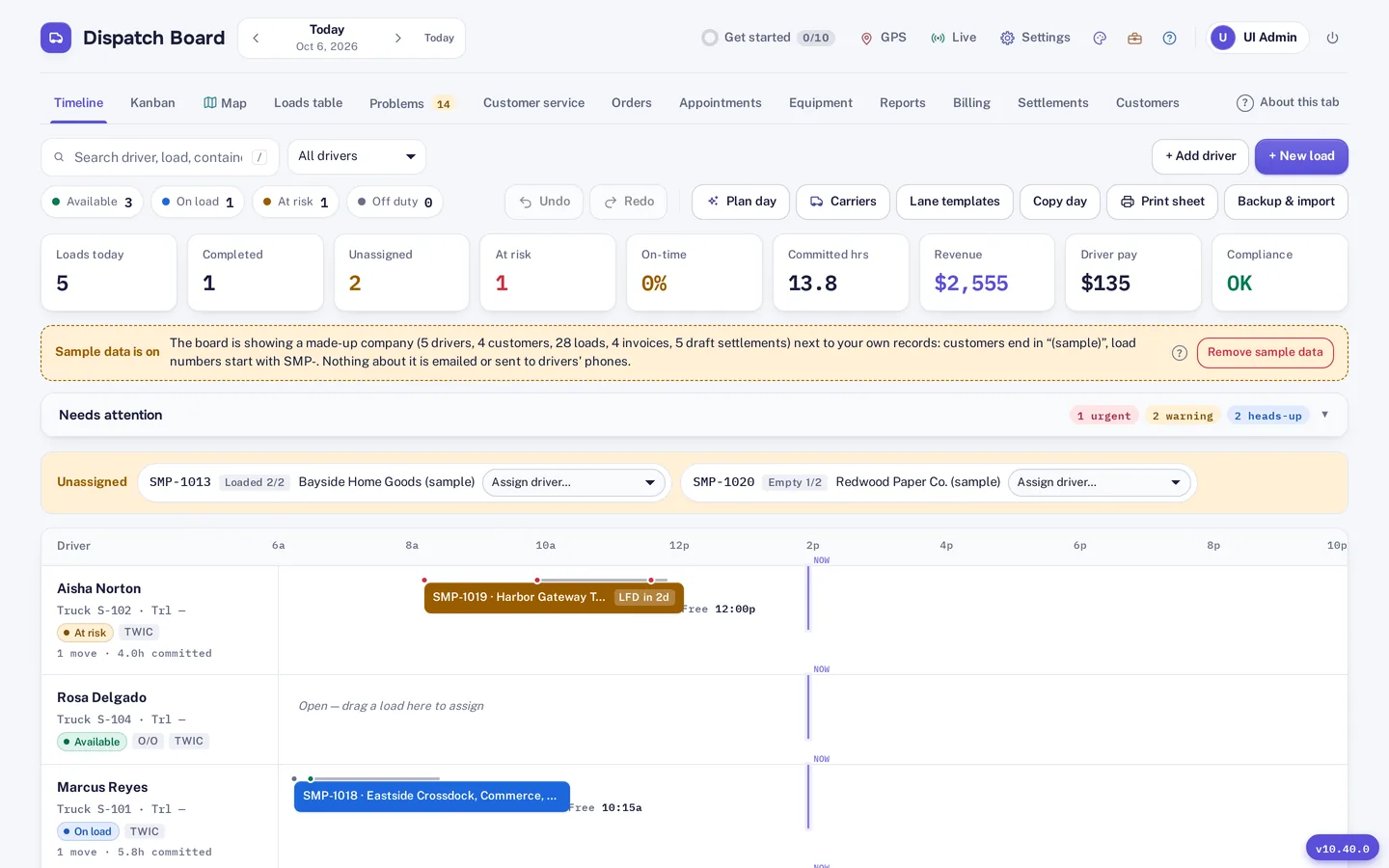
Use real freight. Import a week of loads, drivers and customers, and plan one day by hand and with Plan day. Upload last month’s chassis invoice and look at which lines are flagged. Look at per diem for a container that sat, and read the reason for each day. Ask a driver to use the app for a day. Then do the same in the other system, and compare the time and the money.
Keep a short score sheet while you do it. Note how long each task took, which questions you had to ask support, and which numbers you could not find. A system that is slightly cheaper but hides the per diem reason for each day can cost far more than the price difference in a single disputed bill, so weigh the evidence each system gives you, not only the features listed on the pricing page.
We describe other products only from public information, with a date, and we say when we could not check something. Product names belong to their owners. If you see something wrong, tell us through the contact page.
We compare features that a buyer can check: what is in the product, what is on a higher plan, and what is missing. We do not compare customer counts, awards or reviews, because we have no customer proof we can publish and will not invent any. We do not compare prices unless the other vendor publishes them.
The spreadsheets page is not a trick. Plenty of small operators run a sound business from a sheet, and the page says when that is fine. The PortPro page shows rows where PortPro is ahead of us, such as automatic terminal appointment booking, EDI and QuickBooks Desktop sync, and rows where we are ahead. If you want a comparison with another product, ask through the contact page and we will say honestly whether we can check it.
A sourced, row-by-row comparison with a check date.

When a sheet is enough and when it starts costing money.
Self sign-up gives you a company with sample data and a get-started checklist, so you can look around before you enter anything of your own. Then bring in your real freight: import drivers, trucks, chassis, customers, rate tables and loads from Excel, CSV or a PDF rate sheet. The importer matches columns by heading, checks every row before saving and flags duplicates.
Add your terminals and their gate hours, invite your drivers to the driver app, and run a real week alongside your current system. The Help Center has a guide for every screen. A bar at the top of the board shows the days left in the 14-day trial, and the account owner gets an email two days before it ends. Plans are month to month, and you can download a backup file and a CSV of your loads at any time.
Questions
It states the date it was last checked. Confirm anything that decides your purchase with each vendor.
Many small carriers start there, and the honest answer is that a sheet can be enough for a while.
Yes. The trial does not touch your current system.
Not that we list. Annual prepay gives two months free and free guided onboarding.
See the features page.
Priced by the truck, with unlimited dispatcher logins.
Pick the page that matches your company type.
Vancouver, Prince Rupert, Seattle, Los Angeles, Montreal and Toronto.
Every company gets 14 days free with no card. Import a week of your own freight and judge it yourself.