Step 1
Load entry
Complete loads as normal. Rates and pay come from the same records.
Driver settlements
Settle pay for employee drivers, owner-operators and carriers, carry deductions forward, record factoring entries, and check BC port pay against the Act.
Overview
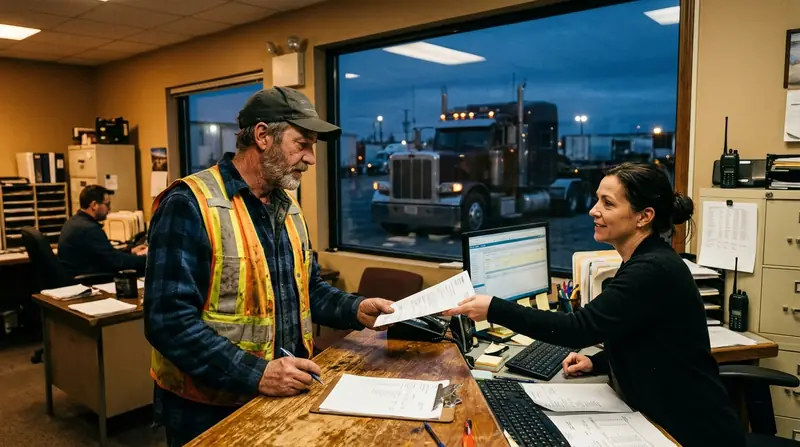
In a trucking company, three kinds of people get paid for moving freight: employee drivers, owner-operators who bring their own truck, and outside carriers you broker loads to. Each is paid differently, each has deductions, and a mistake on a pay statement damages trust faster than almost anything else.
Dispatch Board handles settlements for all three, carries deductions forward, records factoring entries, advances and reserves, and lets drivers see their own pay statements in the driver app. Driver settlements are part of the Medium plan and above.
Driver settlements
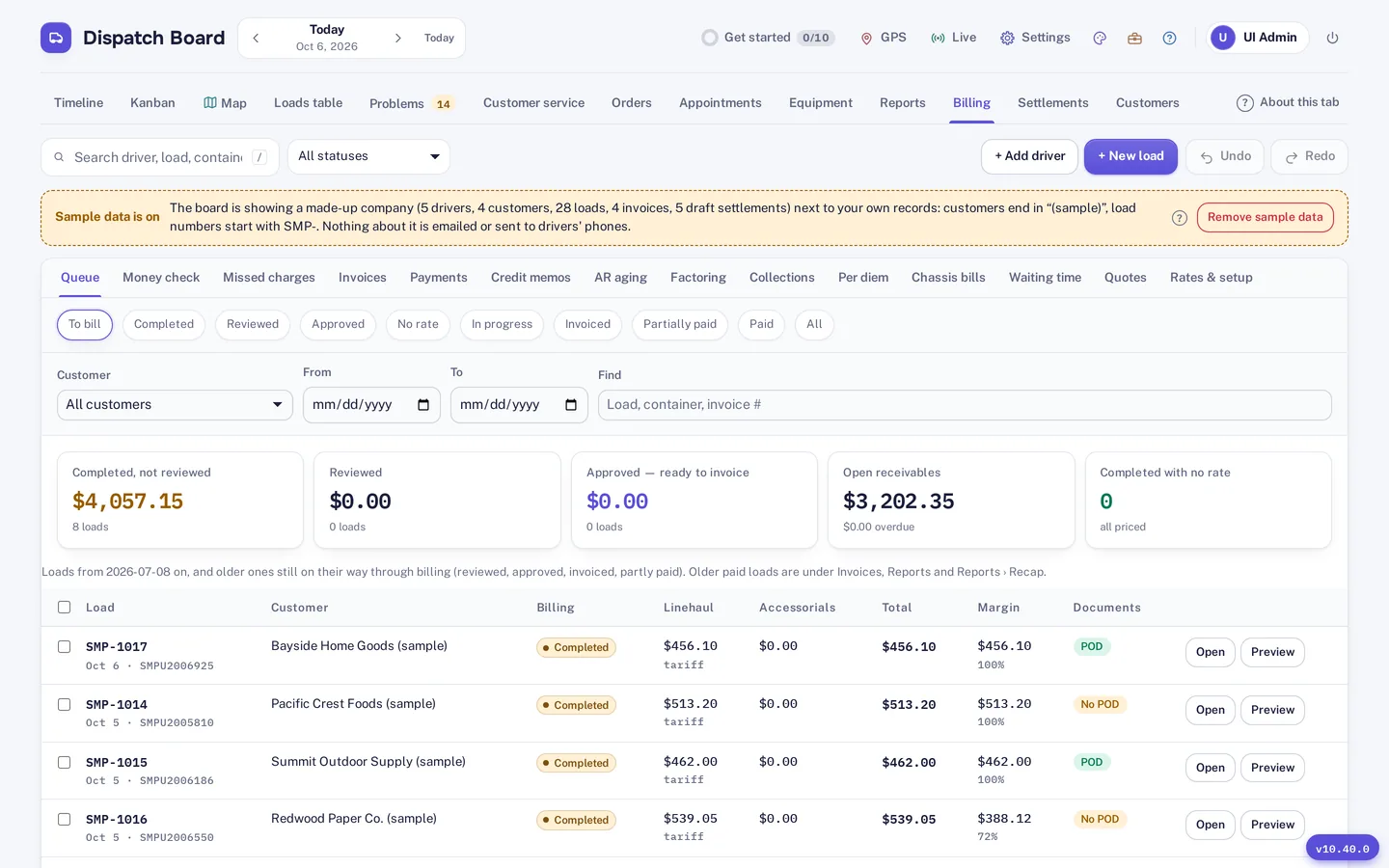
Settlements can be prepared for employee drivers, owner-operators and carriers. Deductions are carried forward, so an amount that was not fully taken in one period is not lost. The loads behind a settlement are the same loads that went through invoicing and billing, so pay and revenue come from one record.
Loads, invoices and pay can be in CAD or USD, which helps for cross-border drivers. Outside carriers use the carrier portal for brokered loads and carrier invoices, described on the customer portal page.
Factoring and advances
If you use a factoring company, Dispatch Board records factoring entries, advances and reserves, so those sit with the loads they relate to instead of in a separate spreadsheet. Advances and reserves are the kinds of amounts that otherwise get forgotten on a statement.
Settlement data can also feed your books through QuickBooks Online and Xero sync. QuickBooks Desktop and EDI are not supported.
BC compliance
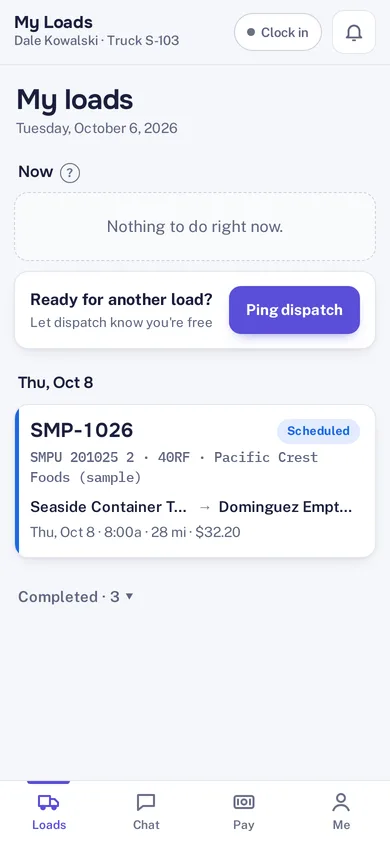
In the driver app, the Pay tab shows settlements, deductions and PDF statements. Drivers can check what they earned and what was deducted without a call to the office. More on the app is on the driver app page.
For carriers working in BC ports, the BC port compliance add-on keeps the rate order in the board, runs a pay check each period against what you actually paid, and prepares a file for the Commissioner. It starts from the published 1 July 2026 figures, so confirm them against the current order. It costs $79 a month on any plan.

How it works
Step 1
Complete loads as normal. Rates and pay come from the same records.
Step 2
Prepare the settlement for the driver, owner-operator or carrier, with deductions carried forward.
Step 3
Record any factoring entries, advances and reserves that apply.
Step 4
The driver sees the statement as a PDF in the Pay tab of the app.
Driver settlements are part of the Medium plan and above. The BC port compliance add-on is $79 a month on any plan.
Try it
Settlements are where small differences show up quickly, so test them with a pay period you have already paid. Prepare the same settlement in Dispatch Board and compare it line by line with what you actually paid. Settlements are part of the Medium plan and above, which you can try in the trial.
Settlement rules differ between companies and between pay types. If you have an unusual arrangement with an owner-operator, test that one specifically rather than the easy cases. Settlements, deductions and factoring entries are where a system either fits your company or does not.
Questions
Yes. Dispatch Board prepares settlements for employee drivers, owner-operators and carriers.
Deductions are carried forward, so an amount not fully taken in one settlement is not lost.
Yes. Dispatch Board records factoring entries, advances and reserves.
It keeps the rate order in the board, runs a pay check each period against what you actually paid, and prepares a file for the Commissioner. It starts from the published 1 July 2026 figures, so confirm them against the current order.
Yes. The Pay tab in the driver app shows settlements, deductions and PDF statements.
Start a trial and run your own drivers’ loads through a settlement.